Frame Gen tab
Six frames, named steps.
XeSS frame generation unlocked to 6X. On D3D12 you can opt into 8X or 10X, then restart and pick the multiplier. If nothing generates, the tab says which step is missing. Off, not broken, is the usual report.
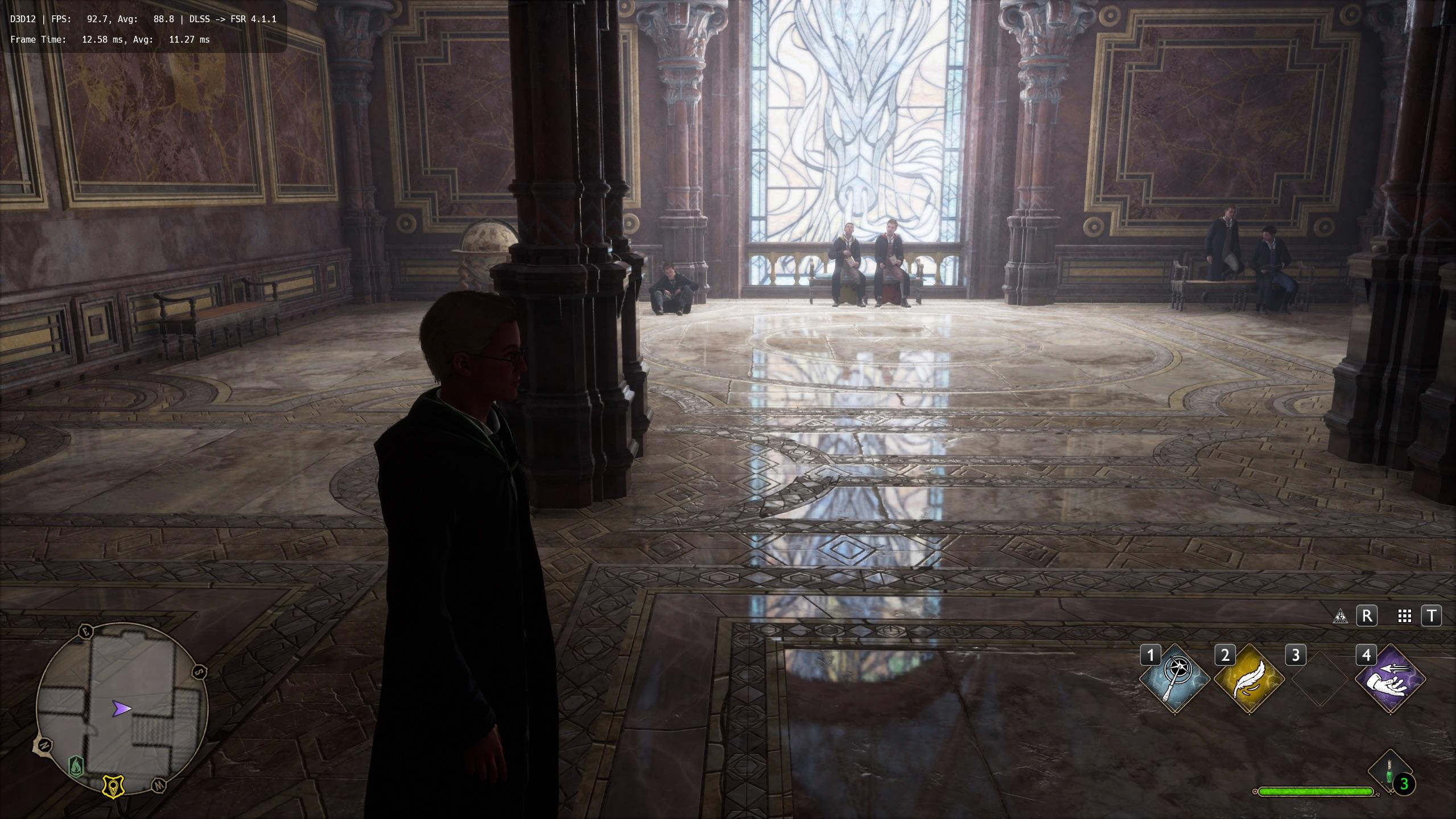
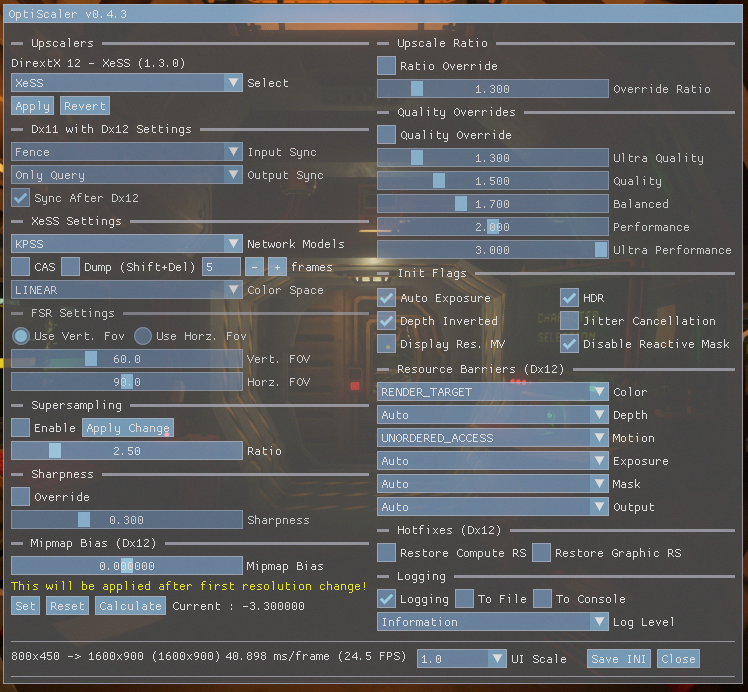
Hogwarts Legacy with the hook's own line: DLSS pointed at FSR. The OptiScaler menu beside it is the upscaler page frame generation reads from.
The five steps the tab lists
Pick both FG Input and FG Output. A DX12 game with its own frame generation uses that as input. No frame generation in the game: OptiFG, HUD fix on. DX11 is OptiFG only.
Save Settings.
Close the game completely and start it again. Frame generation does not switch on mid-session.
In the game's own options, turn its frame generation on: DLSS Frame Generation for a DLSSG input, FSR frame generation for FSR 3.1 FG.
Open the menu, Frame Gen tab, tick Active. Nothing is generated until that box is ticked.
Then turn off exclusive fullscreen if you are on XeFG, and turn off the game's V-Sync and frame cap, or cap at twice the base fps. Half the fps means a cap is holding the generated frames. One frame generator per window: leave the game's own XeSS frame generation off if AMDNR's XeFG is the output.